
16. Januar 2019 Kalender
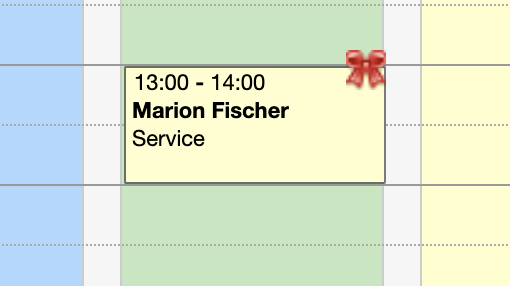
With extended customer fields, you can add as many fields as you want to your customer records to collect the data you need. Now you can also use icons to display specific information directly in the appointment calendar.
As soon as a field in the customer's record is filled out (e.g. "Christmas gift already received" or "Sensitive skin"), the icon you assigned to the corresponding data field appears at every appointment of the customer. This way, all colleagues can see important information about the customer at a glance.
Learn more about customer fields here.