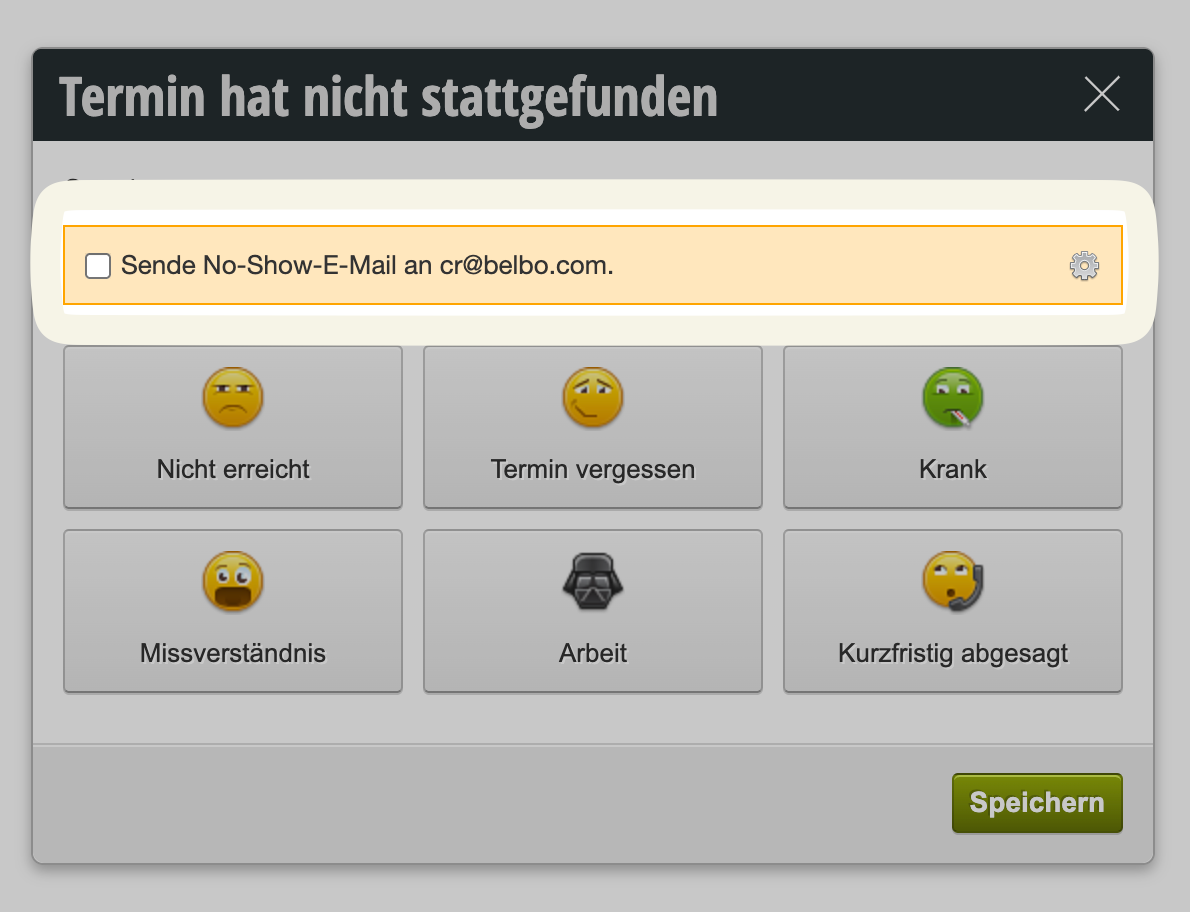

Appointment status changed to "Cancelled"
When an appointment is marked as "cancelled," you can send an email to the customer with just one click using your own template.
For example, inform them that an invoice may follow or ask them to get in touch to explain their absence.
This makes it easier for your staff to contact customers and request any cancellation fees without sending an invoice right away.
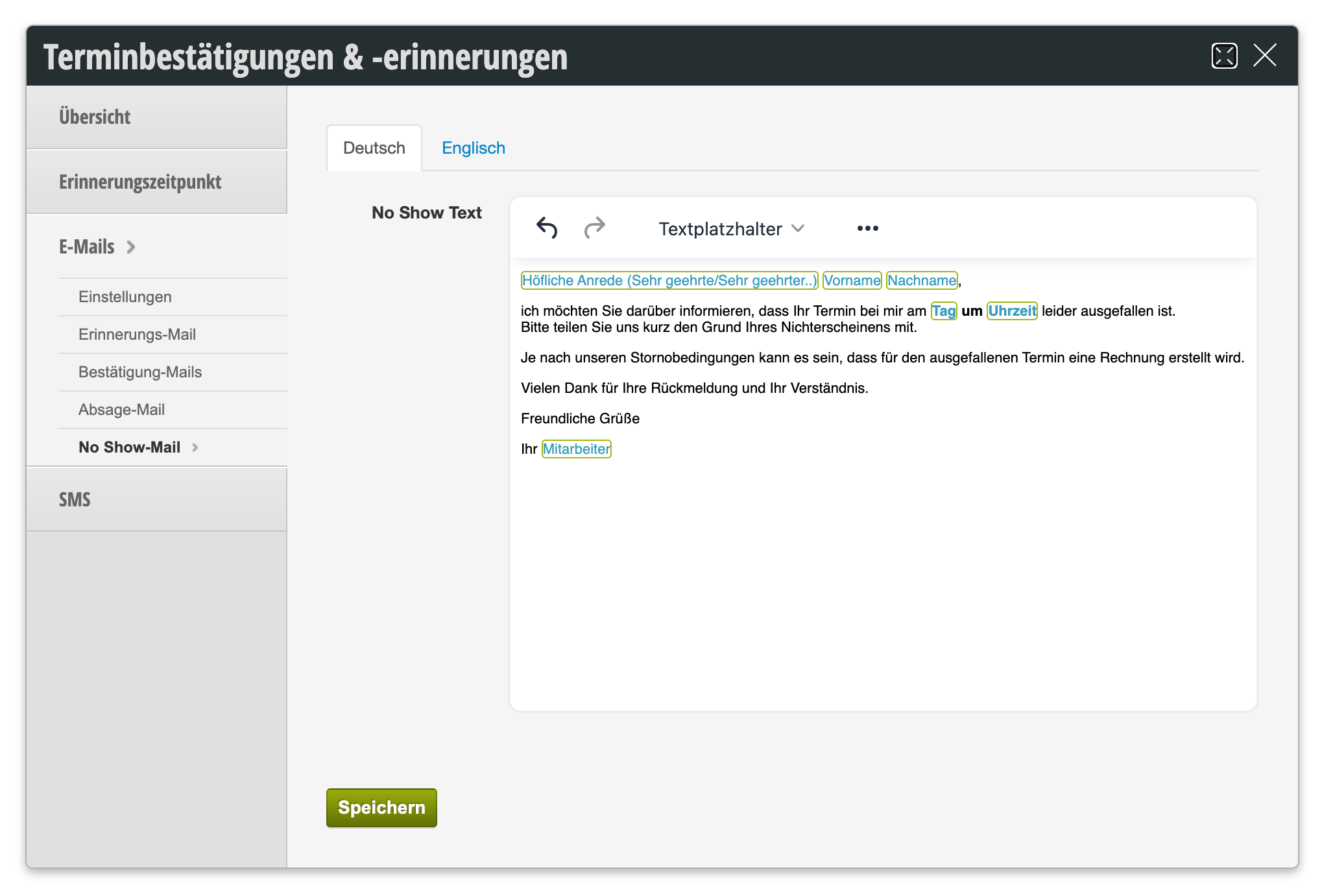
The email template can be edited in Settings -> Appointment Confirmations and Reminders:
If a template is set up and the customer has an email address, the email can be sent: