12. Juni. 2015 | von Christopher Rudolf
Quality doesn't just mean delivering excellent performance at all times, but also continuously improving and expanding existing functions. Under this motto, we summarize the current changes as usual. We divide these into "New Features", "Improved Features", "Notes" and "Bug Fixes".
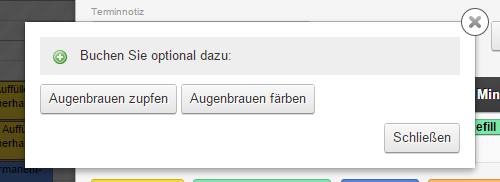
Additional services for manual appointment entryStored additional services are now also offered when entering appointments manually by an employee. This encourages the employee to also offer these to the customer during telephone appointment scheduling. Add-on sales are promoted this way and cannot be forgotten even in hectic situations. |
Reminder time configurableAppointment reminders were previously always sent 24 hours before the appointment. Now it is possible to set this time period individually during manual appointment booking by the employee. For online booking, the preset time period remains in place. | |
Appointment rating in the appointment assistantAvailable appointment times can now be color-coded. The reception can immediately see whether an appointment would optimally utilize the assigned employees. The number of employees used in the appointment is visualized through an individual color code. This is especially useful for salons with many assistant staff or different salary levels to plan employee deployment cost-effectively. | |
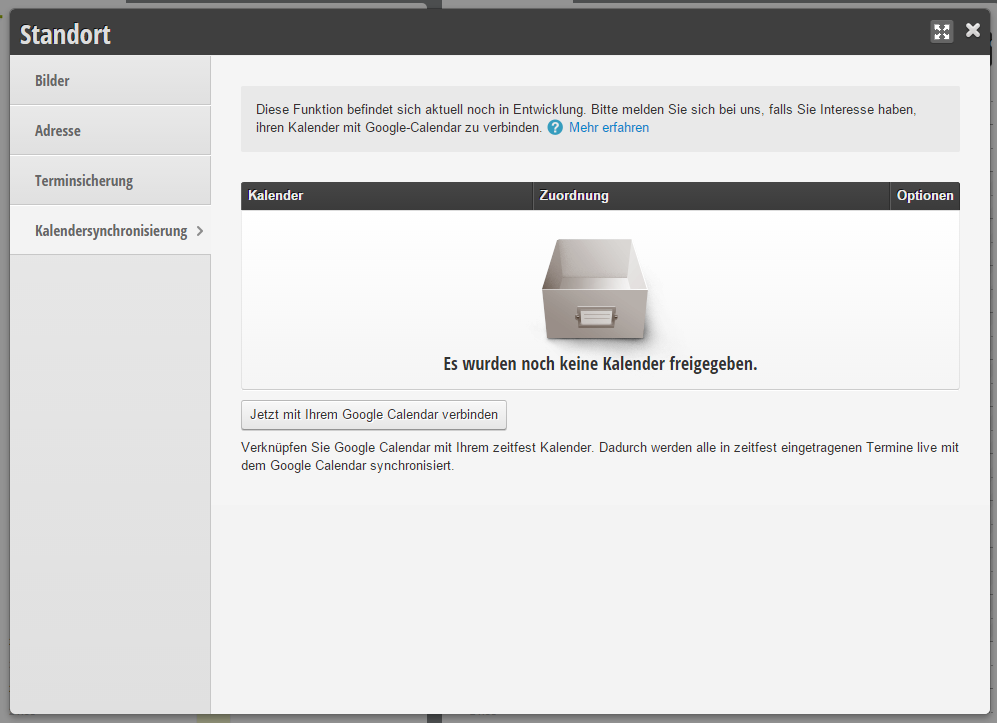
Google Calendar synchronizationThe Belbo appointment calendar can now be easily and quickly synchronized with Google Calendar. Appointments, changes and deletions are kept in sync in both directions and no appointments are duplicated. Individual employees can be assigned to specific Google Calendar calendars. | |
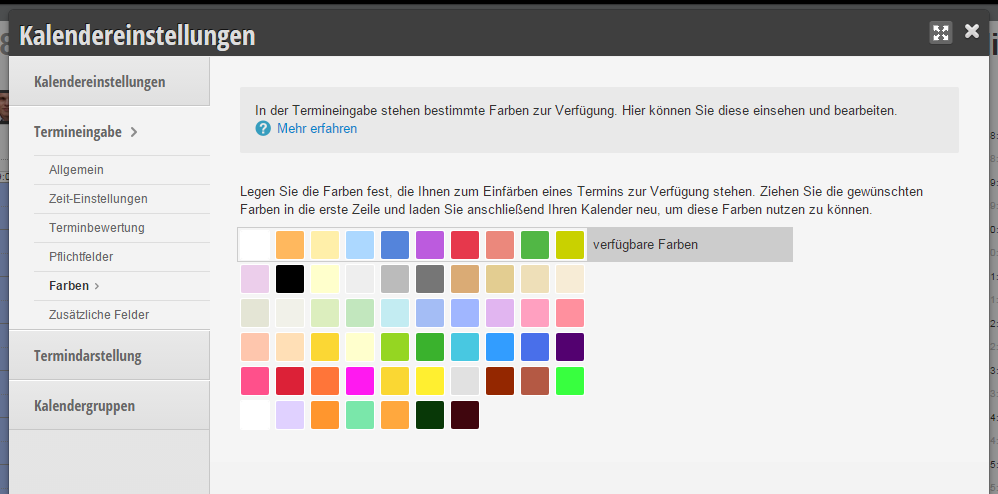
Appointment entry colors freely selectableThe available color palette for appointment entry has been expanded and can now be customized to your individual company colors or use cases as desired. | |
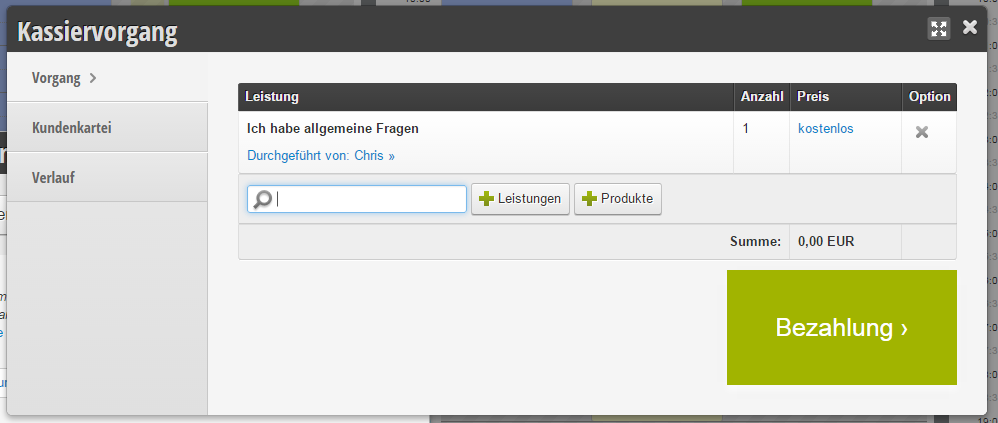
Barcode function for services and productsTo ensure a fast checkout process, the products to be charged can be added to the customer receipt by barcode scanning. Eliminating manual entry via mouse or keyboard results in significant time savings in the checkout process. | |
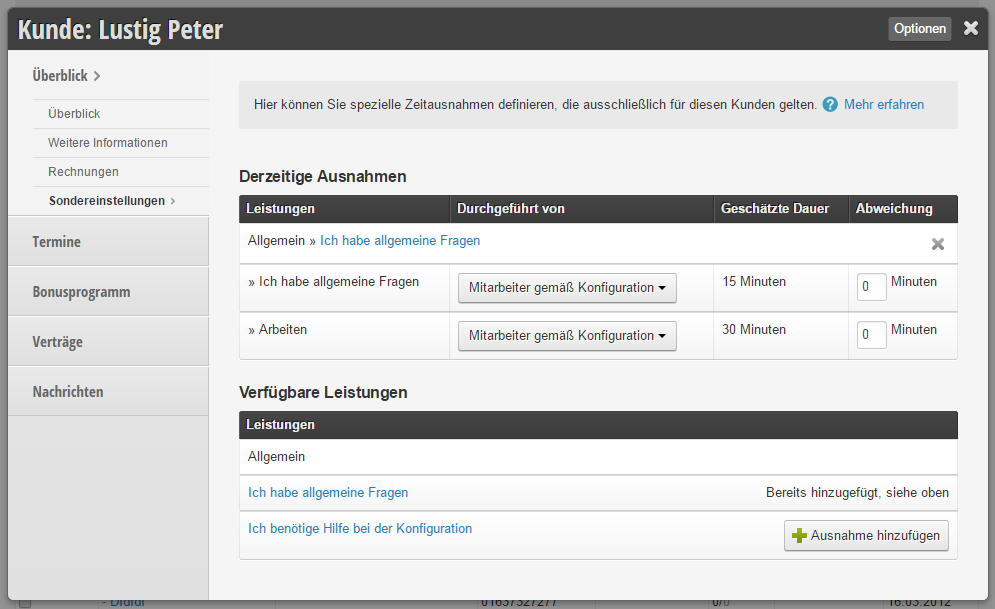
Customer-specific employees & timesThe preferences stored in the customer file are now automatically considered when assigning appointments. This applies to both manual and online appointment scheduling. Special time and employee preferences can now also be set in the customer file. These can be stored individually for each service. This function is useful, for example, for hairdressing customers who need a longer or shorter application time, or who always want to be treated by a specific assistant. | |
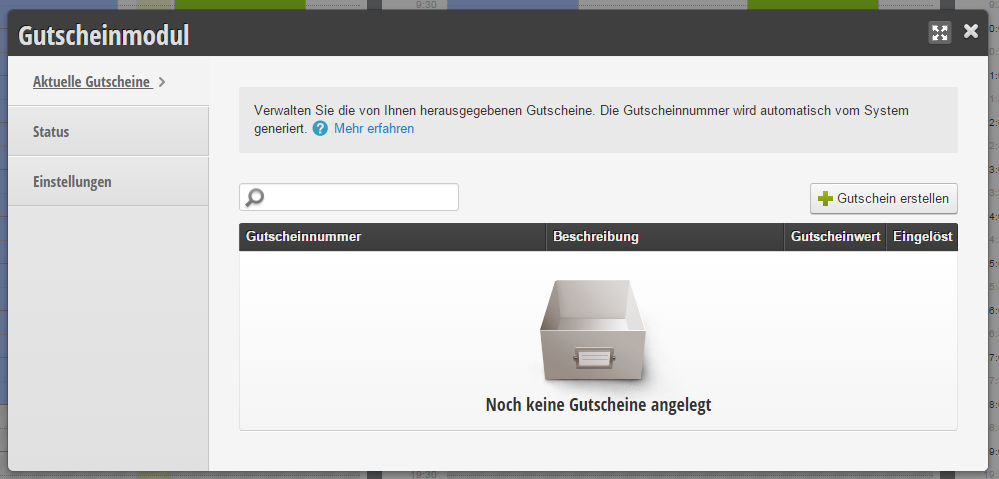
Voucher moduleAnother innovation is the digital voucher module. With this, you can replace your conventionally maintained voucher book. In the customer settings area, you can activate this function. You will then find the voucher module in the main navigation next to the "+Appointment" and Cash register items. There you can create vouchers and enter a voucher value. For each voucher, you can store a voucher value, as well as a comment on what the voucher is purchased for. The system then generates a voucher number that you can use for issuing the voucher. |
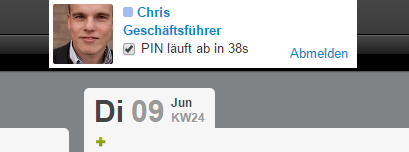
PIN modeNumerous improvements have been introduced in PIN mode. After entering the individual PIN, the employee is recognized by the system and the employee's stored profile is displayed on the screen. This makes it easy to quickly see whether the employee working at the terminal matches the displayed employee. This significantly increases the inhibition threshold for using other people's PINs as well as PIN security for the employee. New is also that in addition to time-dependent logout of the employee, manual logout before the PIN expires is now possible. | |
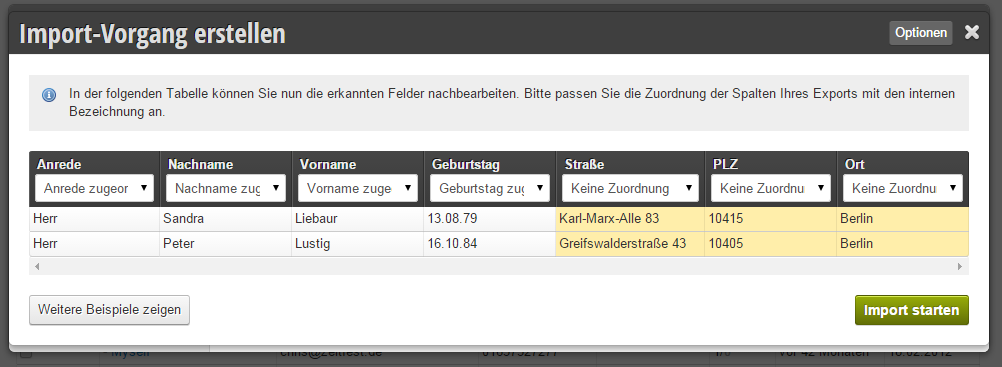
Customer import and synchronizationIf you use additional external customer files alongside the Belbo customer file, subsequent synchronization is possible at any time. To uniquely identify the customer, a customer ID can be assigned in addition to the existing customer data. With the help of this ID, errors in synchronization or creation of duplicates are completely avoided when importing the customer file. | |
Improved shift planning editingThe shift planning area for individual employees and teams has been redesigned and adapted to the normal scheduling interface. With the improvements, daily plans can be copied from one day to the next with the mouse as usual. When entering times, the autocomplete function is also offered. | |
Mandatory additional servicesAdditional services can now be defined more strictly so that in the case of desired product combinations, these are also treated strictly. Previously, the customer could always remove services from their appointment cart. Now the customer receives a message if they remove a mandatory additional service. | |
Strict appointment limitIn case of strict appointment limits, employees are now also warned if the appointment limit has been exceeded. | |
Get in touch with us if you have any questions or would like to take a closer look at Belbo.

Melden Sie sich bei uns, wenn Sie nähere Informationen wünschen!