
Belbo 2.1
Belbo has many new features that you'll notice every day. The calendar is faster and more stable than ever. Fundamental improvements in speed will accelerate and simplify your work.
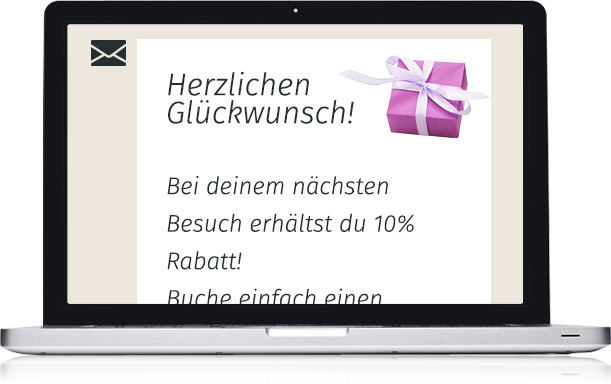
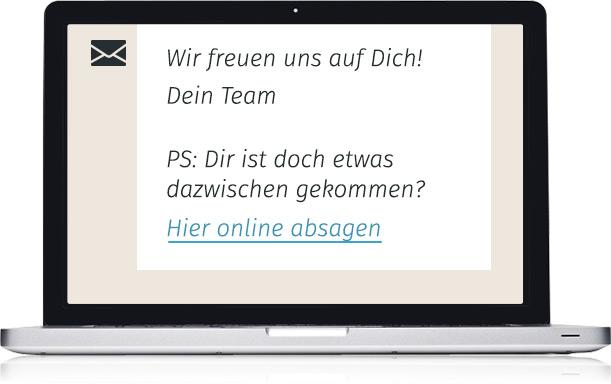
The new marketing features now include the option to automatically send emails on your customers' birthdays. Make your customers happy and send greetings, vouchers, or a gift of your choice.
The new "Cancellation Link" placeholder allows your customers to cancel scheduled appointments online in confirmation or reminder emails, as long as the cancellation limit you set has not been reached.
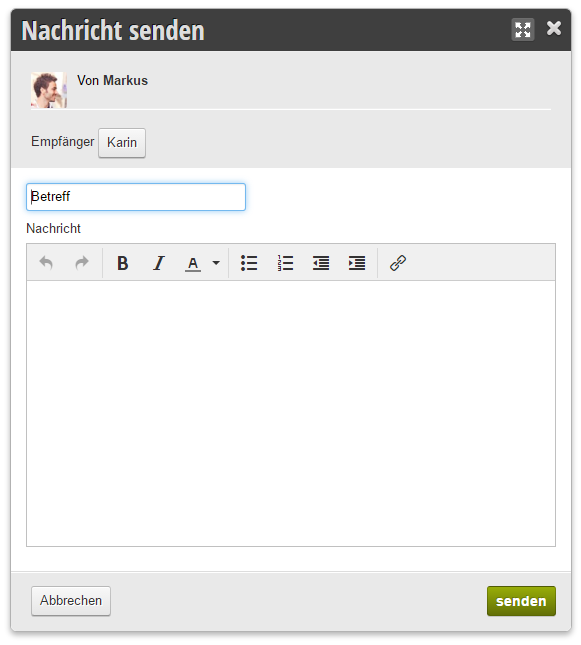
The messaging feature allows you and your employees to communicate with each other in real-time. Internal communication couldn't be simpler or faster, as every employee can see new messages at a glance in the calendar. Messages are assigned to people via the PIN mode. The mailbox is located directly in the calendar by opening the context menu of an employee.
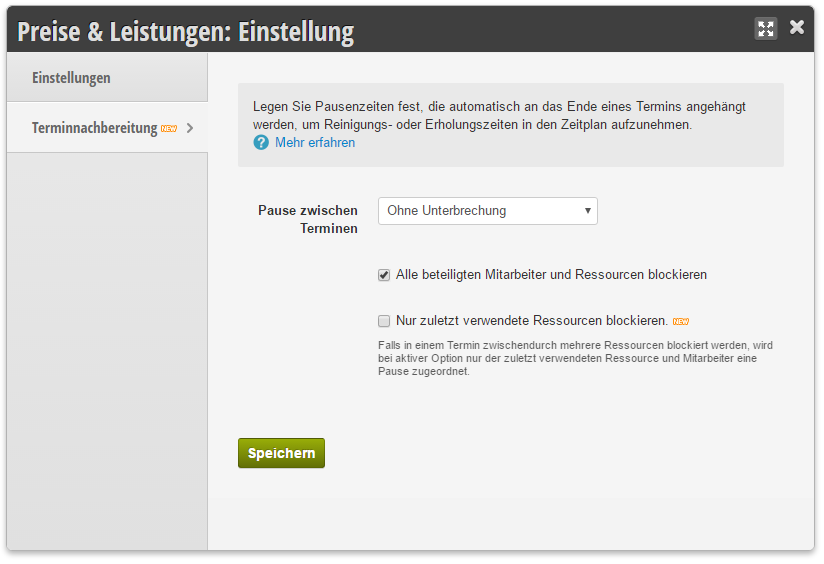
With the new break settings, all important properties can now be considered even with intensive room planning and complex service packages. Additionally, individual services can be excluded from breaks.

With the new notification features, you can contact all customers of an employee in one day at once and thus respond quickly to sick leave. With the customizable text templates, you can handle the necessary customer communication in seconds.
You can find the text templates in the "SMS and Text Templates" menu item in the customer options. The contact option is located directly in the employee menu of the calendar.
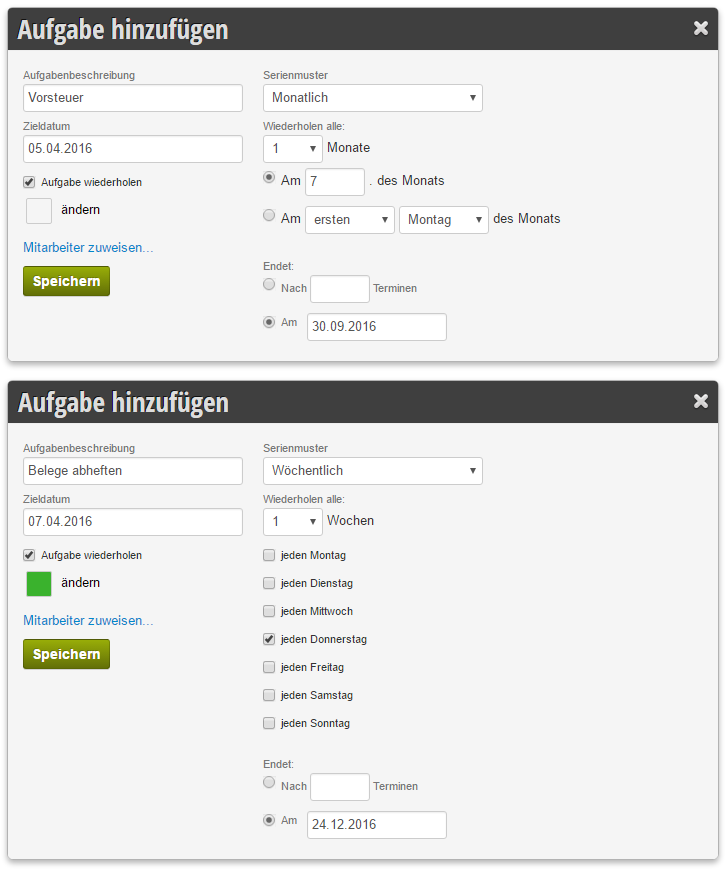
Planning recurring tasks is now even easier. Individual repetition patterns enable quick coordination of daily tasks. There are individual setting options for tasks occurring daily, weekly, monthly, and yearly.
Creating a task is done by clicking "Add Task" in the top right of the day view or via the context menu of the calendar day.
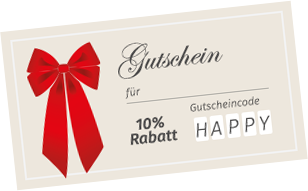
Encourage your customers to book appointments during weak times, test your print returns or marketing channels by defining your own voucher codes.
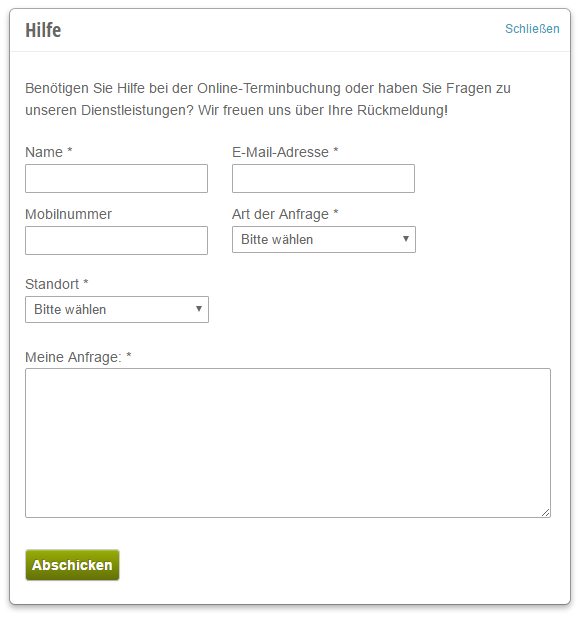
Your customers can now reach you directly and quickly. The "Help" button in the top right of the appointment booking leads to a dialog that sends an email to you. You can simply reply to it, and the reply is automatically sent to the customer.
Improved Features

In calendar groups, the new checkbox "Always Display" can be activated to ensure that employees or resources in the group are shown even when there are no working hours.

The amount of the PayPal online payment is now displayed directly in the appointment details.

The editing of customer fields, location-wide settings, and the receipt of error messages can be individually assigned in the permission settings of a login.

With the 12 new icons, you can distinguish your customer groups more clearly from each other. This improves clarity in the calendar and in the customer file.

It is now possible to display available appointments before the login prompt. This can reduce the abandonment rate of online booking since the customer has already seen available appointment times.

With the new option "Same Employee as Previous Service," the employee or assistant who performed the previous work step can be booked. This is useful when additional services should be booked with the same assistant who was already scheduled in another product.
In the appointment entry for new customers, a pre-selection regarding Mr. or Ms. is made. This can now be changed in the calendar settings.

For businesses with appointment limits per customer, appointment limits per day, week, or month can be defined. The customer and employee are warned if this limit is exceeded.

The new SMS editors display the number of characters used. This makes it easier to manage costs, as SMS messages are charged double if they exceed 160 characters.

The course configurations of individual locations can be copied across locations. A new location can thus very quickly and easily adopt course configurations. Additionally, courses can also be renamed to "Events" or "Workshops."

For a quick start, products can now also be imported from CSV files into the software. The import center contains a dedicated tab for this with easy-to-use guidance.
Appointments can also be imported quickly and easily. The import center also has a separate section for this. Note that resource and customer file links are not established during appointment import.

Different prices can be defined for regular customers and new customers. To do this, activate the option in the price table of a service.

The number of days in which the backup email is sent can now be determined by yourself with the new "Number of Days" parameter.