
22. Mai. 2014 | von Anna-Lena Lewerenz
The current changes mainly affect online booking and allow you to map your internal booking properties even better and more easily. In addition, new configuration options have been added and a small but important change for your customers.
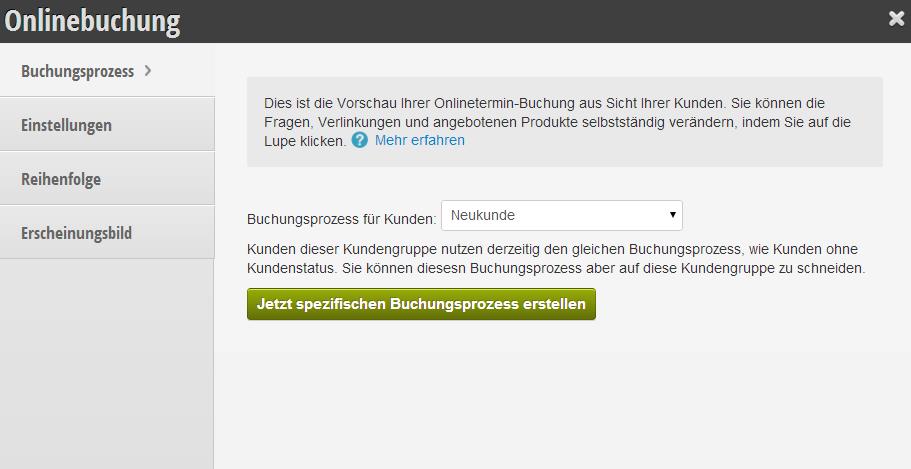
Do you want to offer different products, prices or extras to new customers than to your regular customers or VIPs? From now on, you can create different booking processes for your customer groups. To do this, go to the "Online Booking" section and create different booking processes for the different groups. Each customer who belongs to a specific customer group will then receive the services and products you have defined.
Please note that this feature can only have an effect when using the booking mode with login.
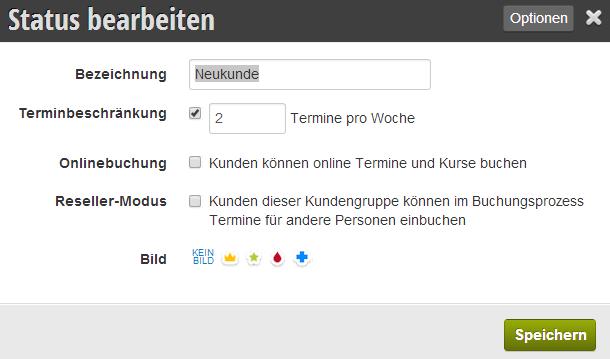
Customer groups are now managed in a revised interface. You can access extended options by clicking on a customer group.
The new "Limit appointments" option allows you to restrict appointments for the customer. This option is useful if you use a subscription model for your appointments. For example, a filter could be set to 2 appointments per week, so that when the customer books the third appointment, they no longer receive time suggestions.
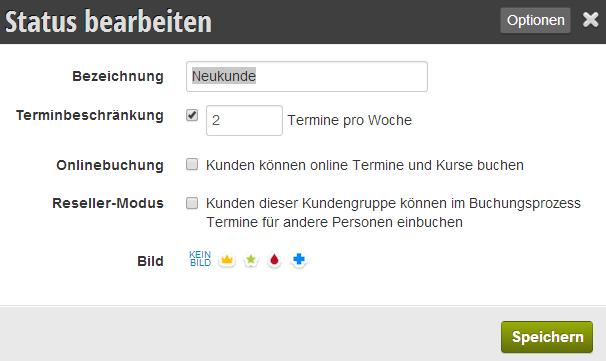
With Reseller Mode, you can start efficient cooperations: Customers
with a reseller status can book appointments for other people. A useful example of cooperation is the reception of a nearby hotel, which can then book an appointment online directly for their customers in your business! Outside of business hours and without telephone appointment scheduling discussions.
A reseller uses the same booking process as your customers and thus does not have insight into your capacity.
As part of the new online booking features, we have expanded some of the statistics. In the "Information" section, you can break down online bookings by new customer status and regular customers or by gender and employees.
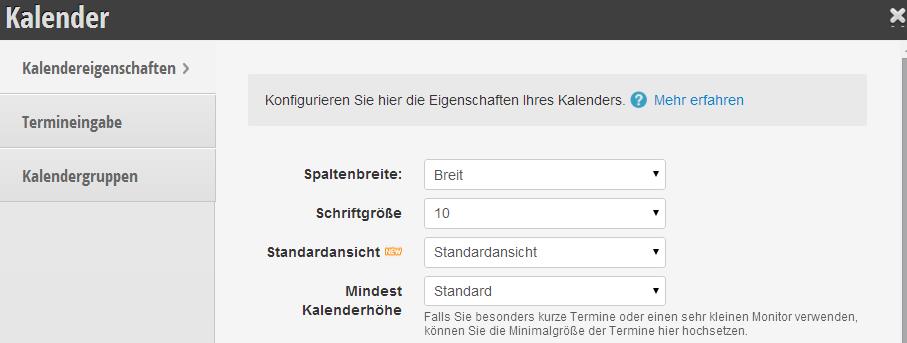
Do you start every day with a click on "Day view" or "Week view"? The new calendar option "Standard view" helps you save that click.
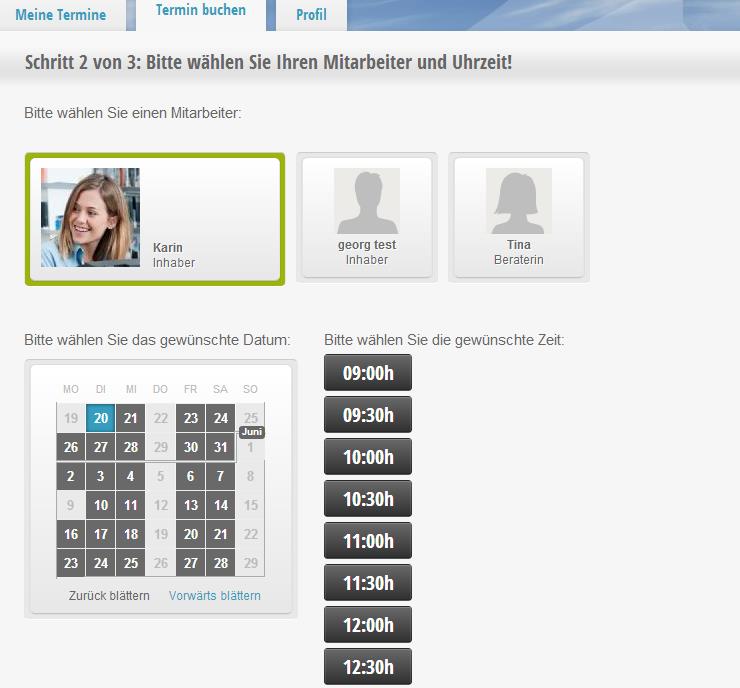
Your customers have probably already noticed this change! When booking an appointment, the process automatically jumps to the next available appointment. In the iPhone app, only available days are now highlighted. With this small improvement, appointment booking is considerably easier and faster.
Get in touch with us if you have any questions or would like to take a closer look at Belbo.

Melden Sie sich bei uns, wenn Sie nähere Informationen wünschen!