
30. Juli 2026 Standorte
Configurations can now be compared and adjusted across locations – a real advantage for anyone operating multiple locations.
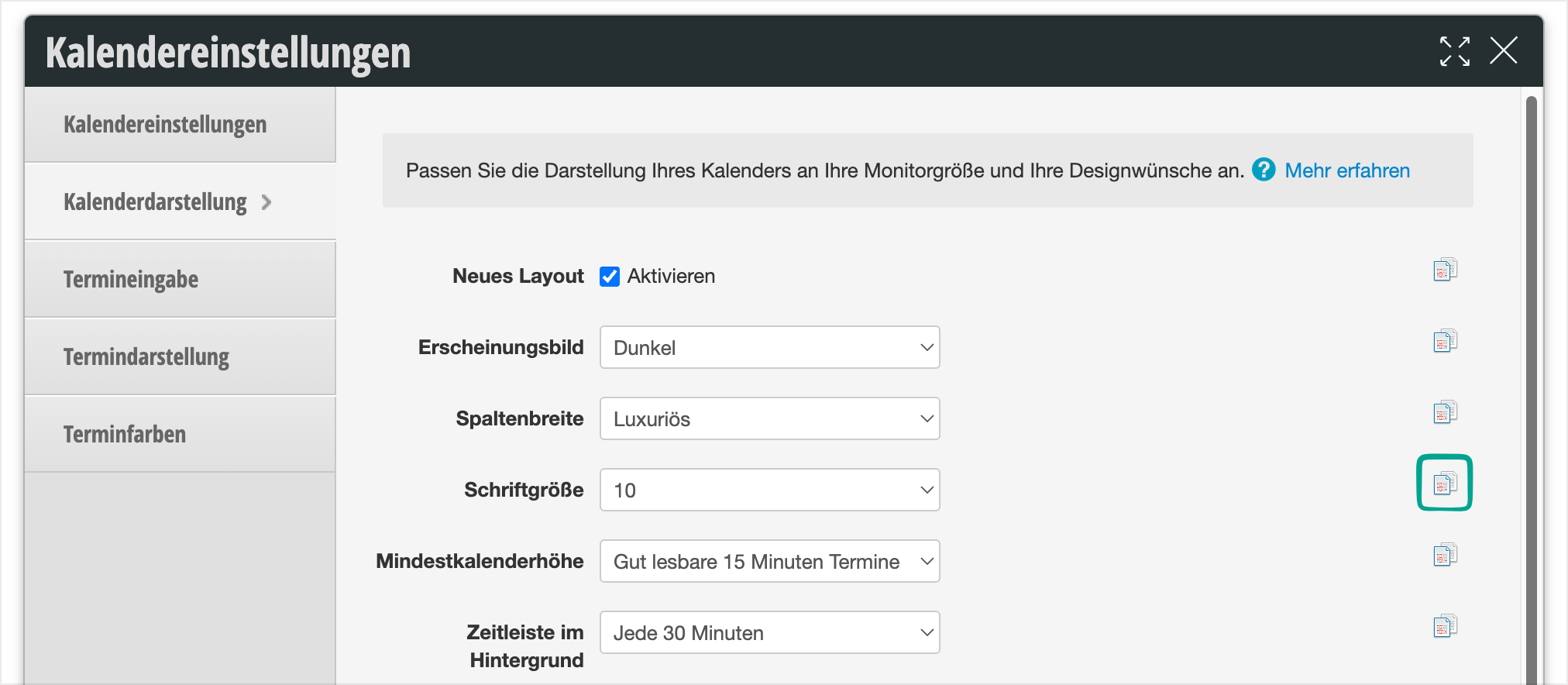
In the settings – for example in the calendar settings – a small icon appears to the right of each input field, checkbox, or selection field. Clicking on it opens a comparison view that shows the respective setting of all locations at a glance.
Differences are immediately apparent, and adjustments can be made directly from the overview – without having to visit each location individually.
This saves a lot of time, especially for branch operations and franchise managers: whether calendar, cash register, or shift schedule settings or other configurations – everything can be checked and aligned centrally.