25. Oktober 2022 Importe
When you perform a customer, product, or other import, you receive a total number of failed import operations in the import summary. You can now click on this number to determine exactly which imports have failed. Additionally, there is now also detailed information that specifies the exact reason for the failed import. If a text length for a field is exceeded or the format (date/number) is corrupted, this will be indicated in the details column.
learn more16. November 2020 Importe
Any resource planning can now simply be imported along with the Belbo appointment import. learn more
25. August 2020 Importe
You want to switch to Belbo? In addition to regular imports, we now also have the option to import performance packages (also known as subscriptions).
learn more2. Mai 2020 Importe
Product import was previously only possible via CSV because number formats were displayed incorrectly in Excel files. This issue has been fixed, so we now generally recommend importing using xls or xlsx files. These have fewer issues with umlauts.
learn moreDuring appointment import, non-existent employees are now automatically created by the system. This makes the switch to Belbo even faster.
learn moreWhen importing product lists, manufacturers and target inventory are now also offered as importable properties. In this process, the system searches for existing manufacturers in the list by name.
learn more
12. März 2019 Importe
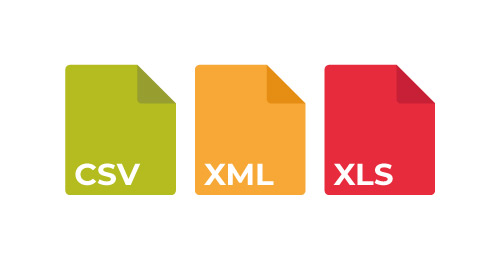
In addition to CSV and Excel files, you can now also import XML files. The structure of the file is relatively flexible: it is expected that all elements of the root element are data to be imported. The tag names of the child elements are then used as column analogies in the table-like files.
learn more
Term imports are now also able to extract customer data. This makes it possible, for example, to automatically assign the reminder function to imported appointments.